01GNSS
Position and heading
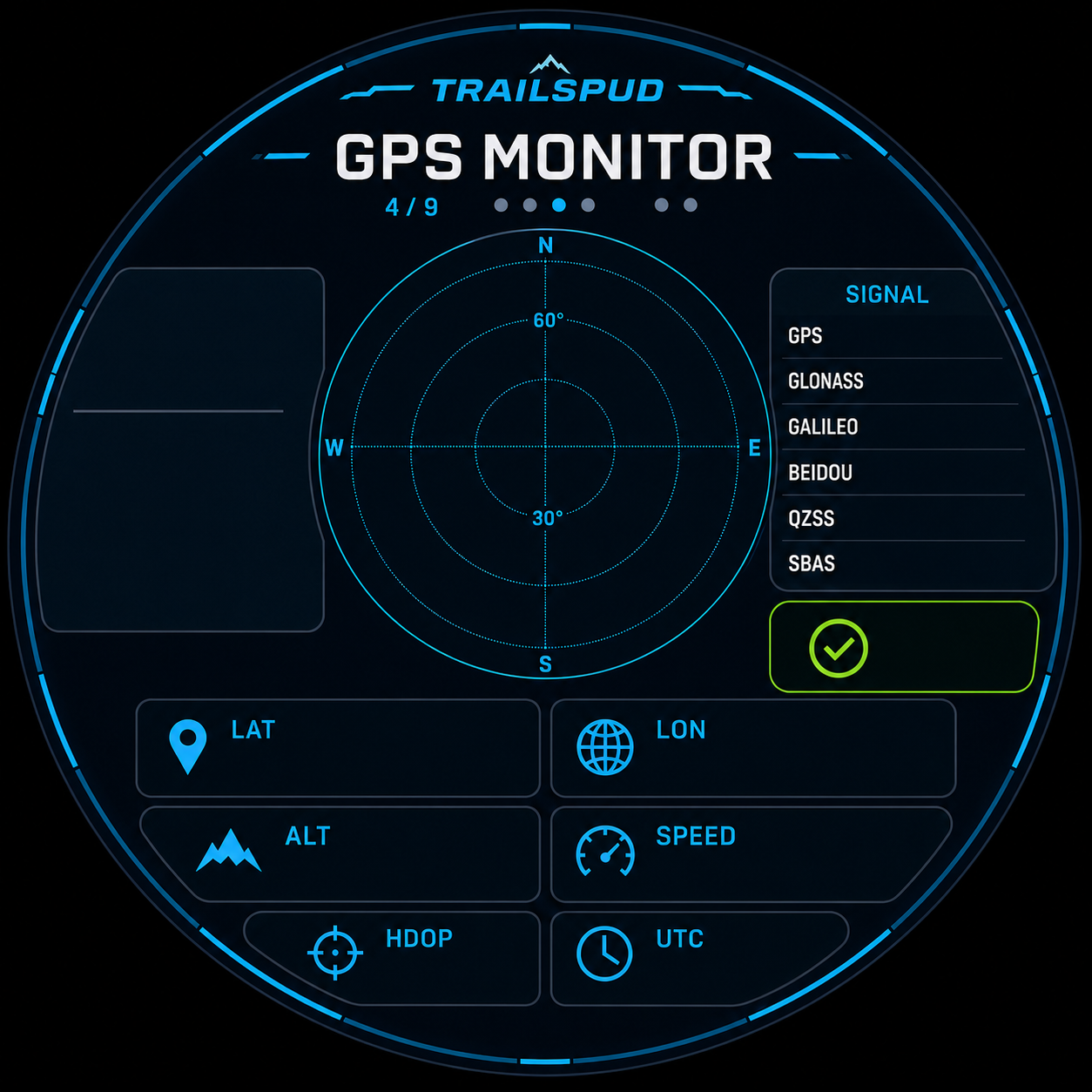
Parse multi-constellation GNSS data and show coordinates, altitude, speed, heading, fix quality, and satellite status.
FREE & OPEN SOURCE · ESP32-S3
TrailSpud is a vehicle computer and HUD for open-hardware builders, car modifiers, overlanders, and developers. It brings positioning, vehicle, attitude, environmental, and track data onto a 2.1-inch round touch display.
OPEN ROADS.
OPEN CODE.BUILT BY OLDPOTATOES.
PRODUCT / 01
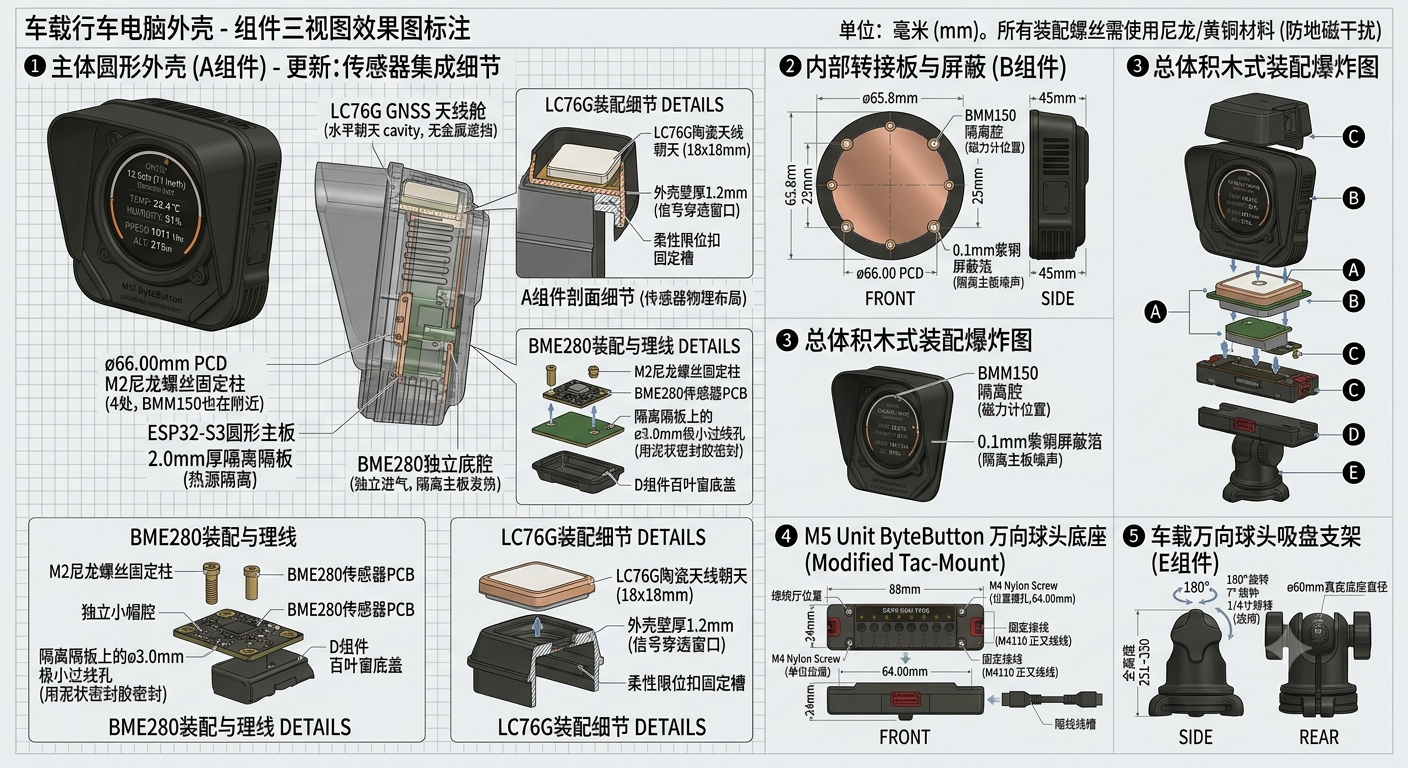
The rounded-square main shell is built around a 75 mm-class round display and board. A separate GNSS and magnetometer pod sits above, while the rear integrates a shielding adapter, an isolated BME280 air path, and a directional suction mount. The reference design is removable, serviceable, and ready for further modification.
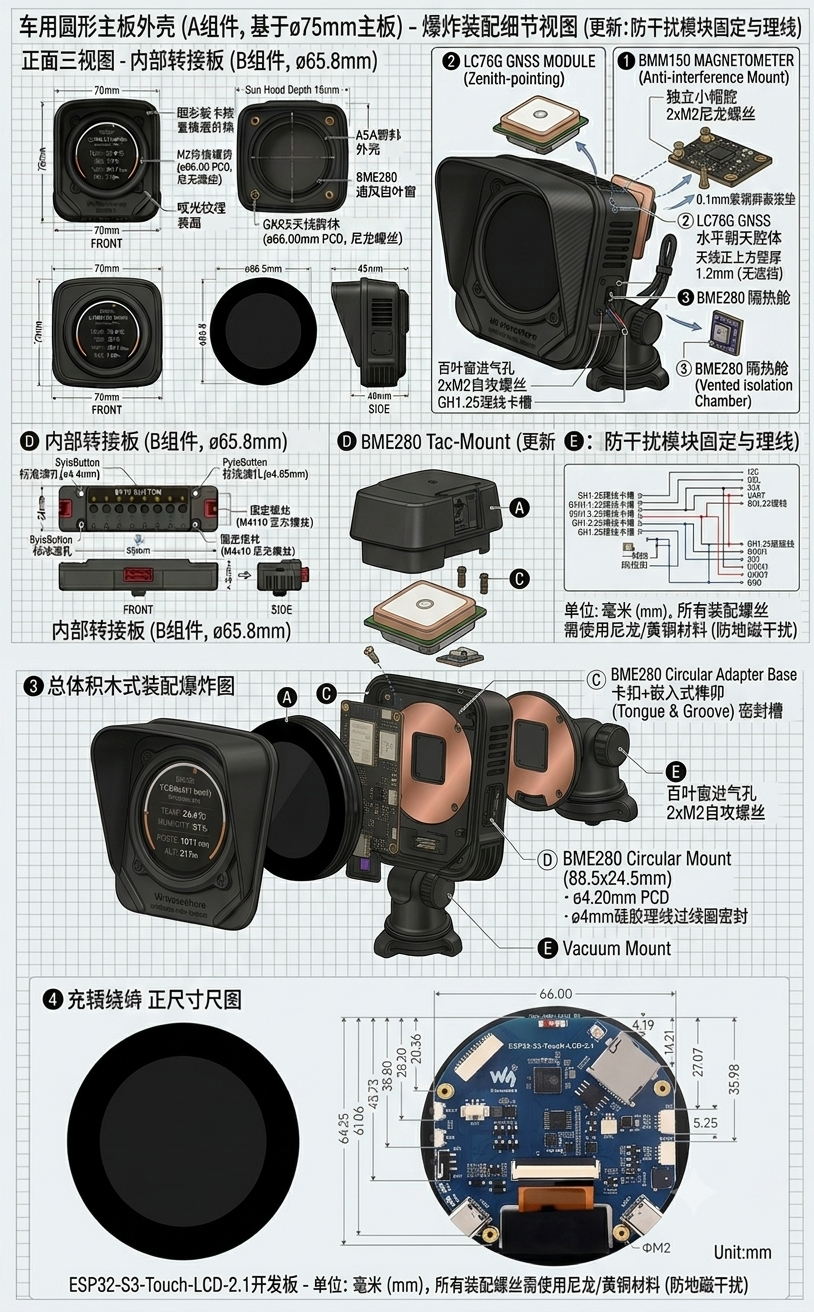
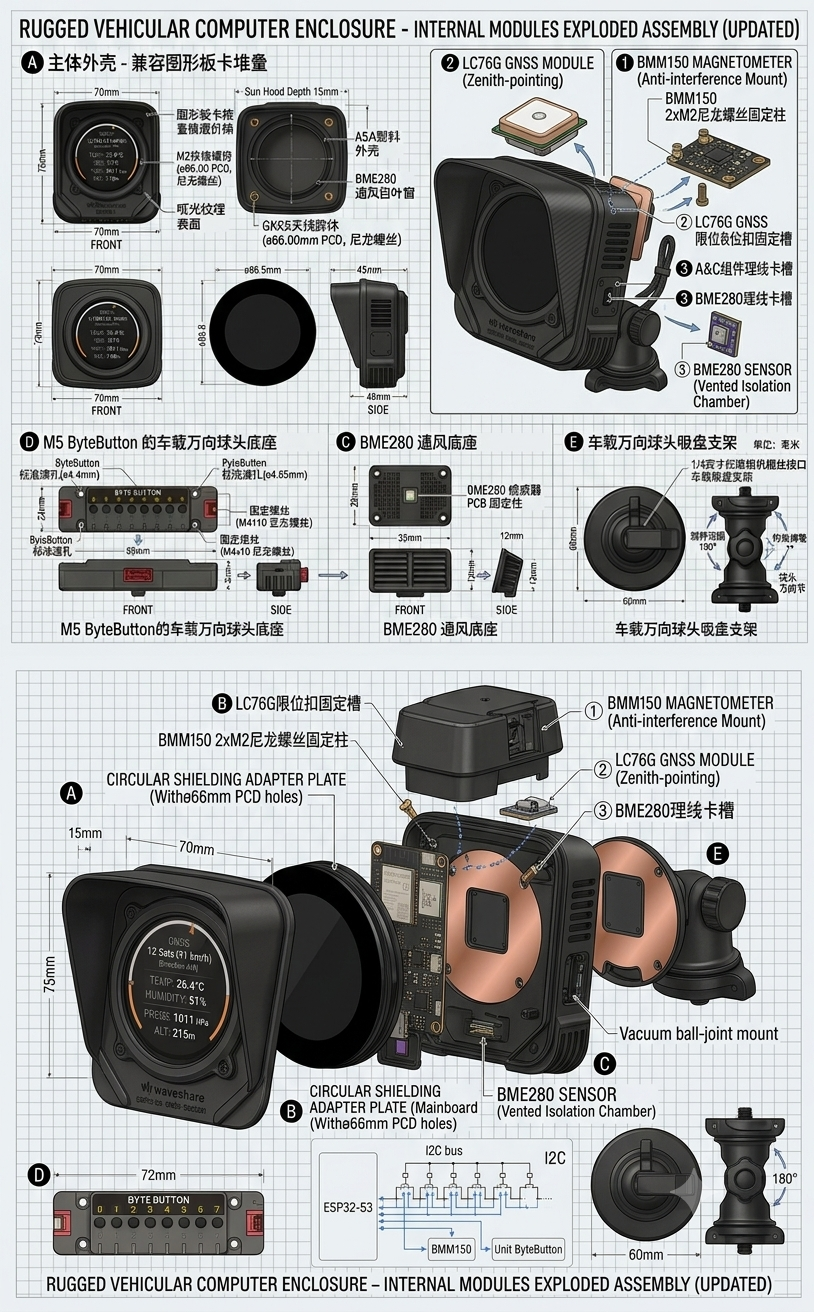
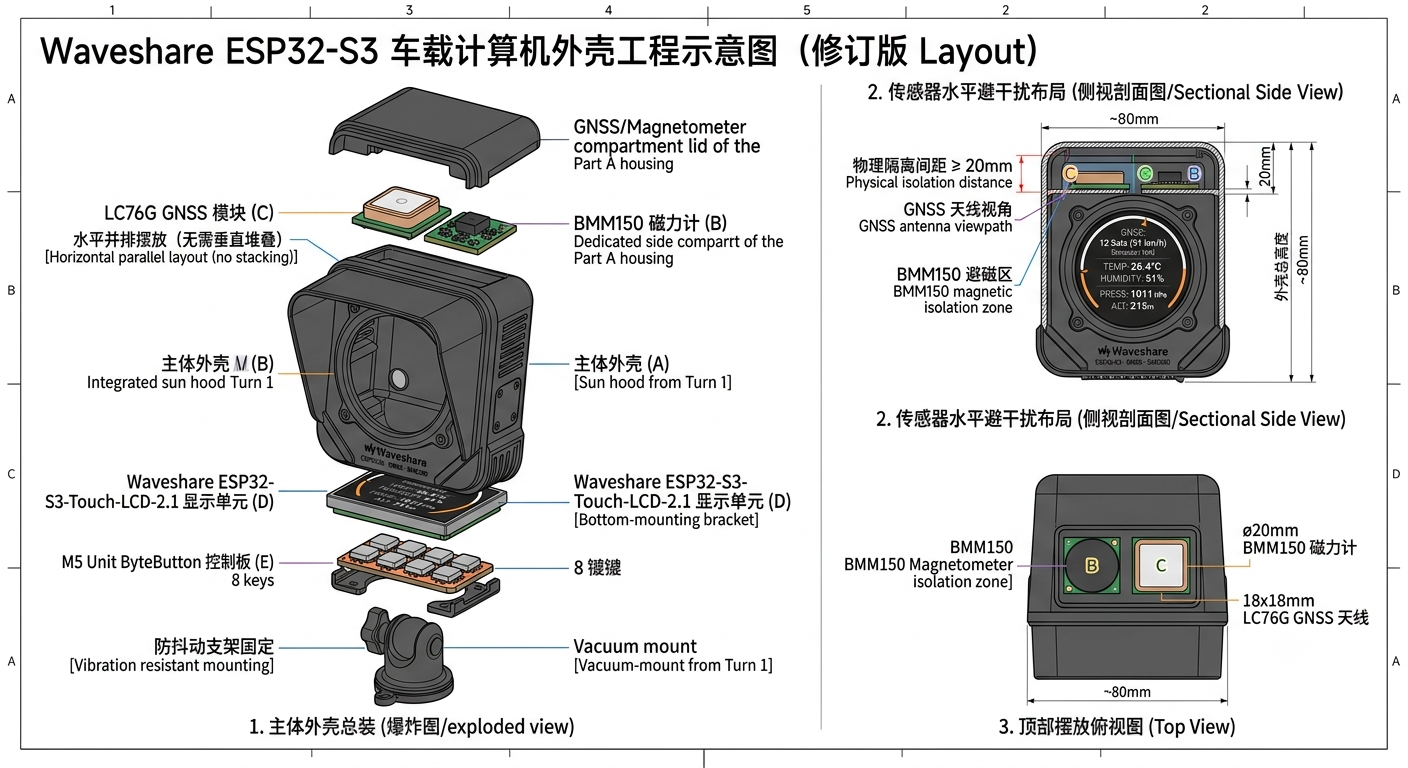
These images communicate the current appearance and assembly direction. Final openings, clearances, materials, and dimensions remain subject to engineering models and physical validation.
INTERFACE / 02
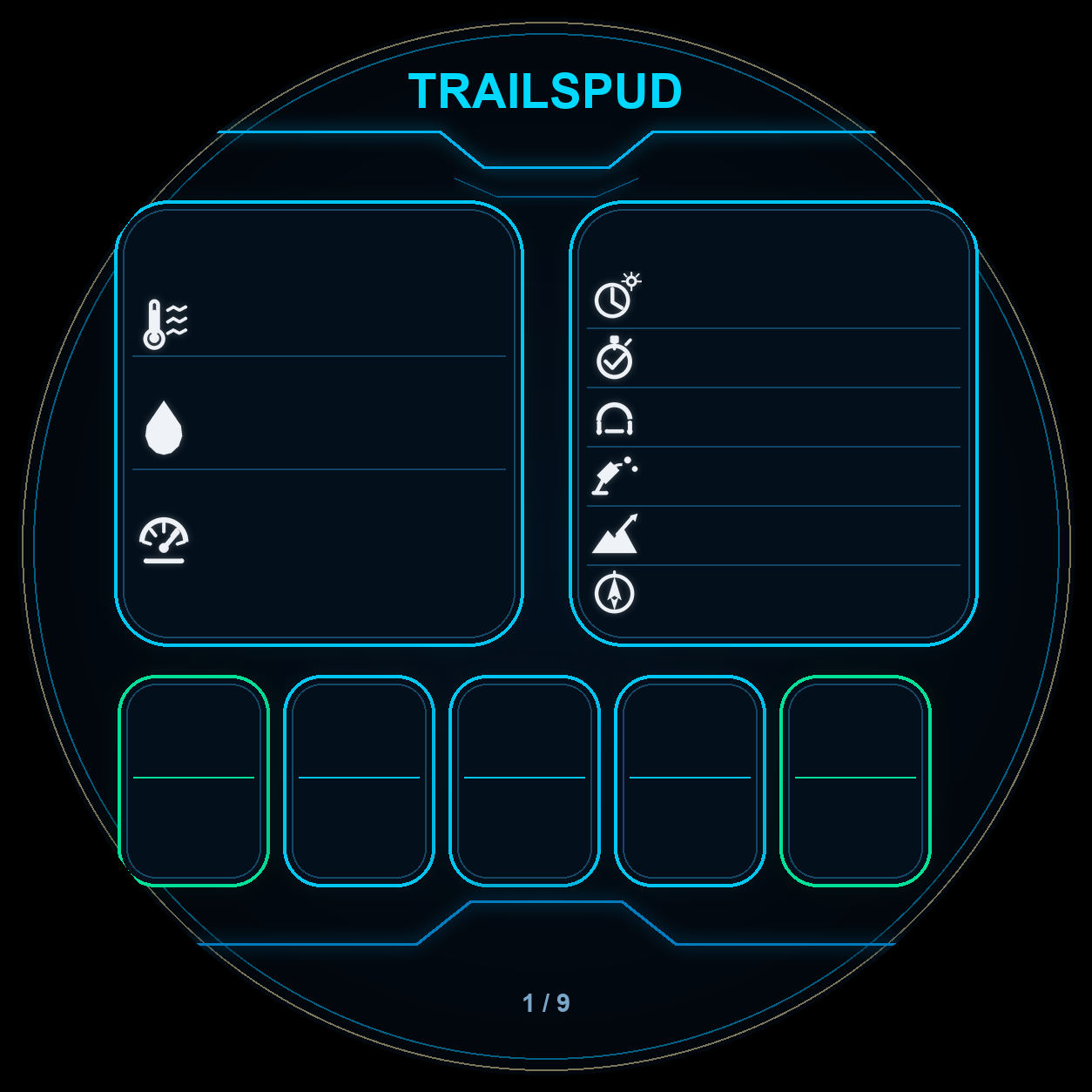
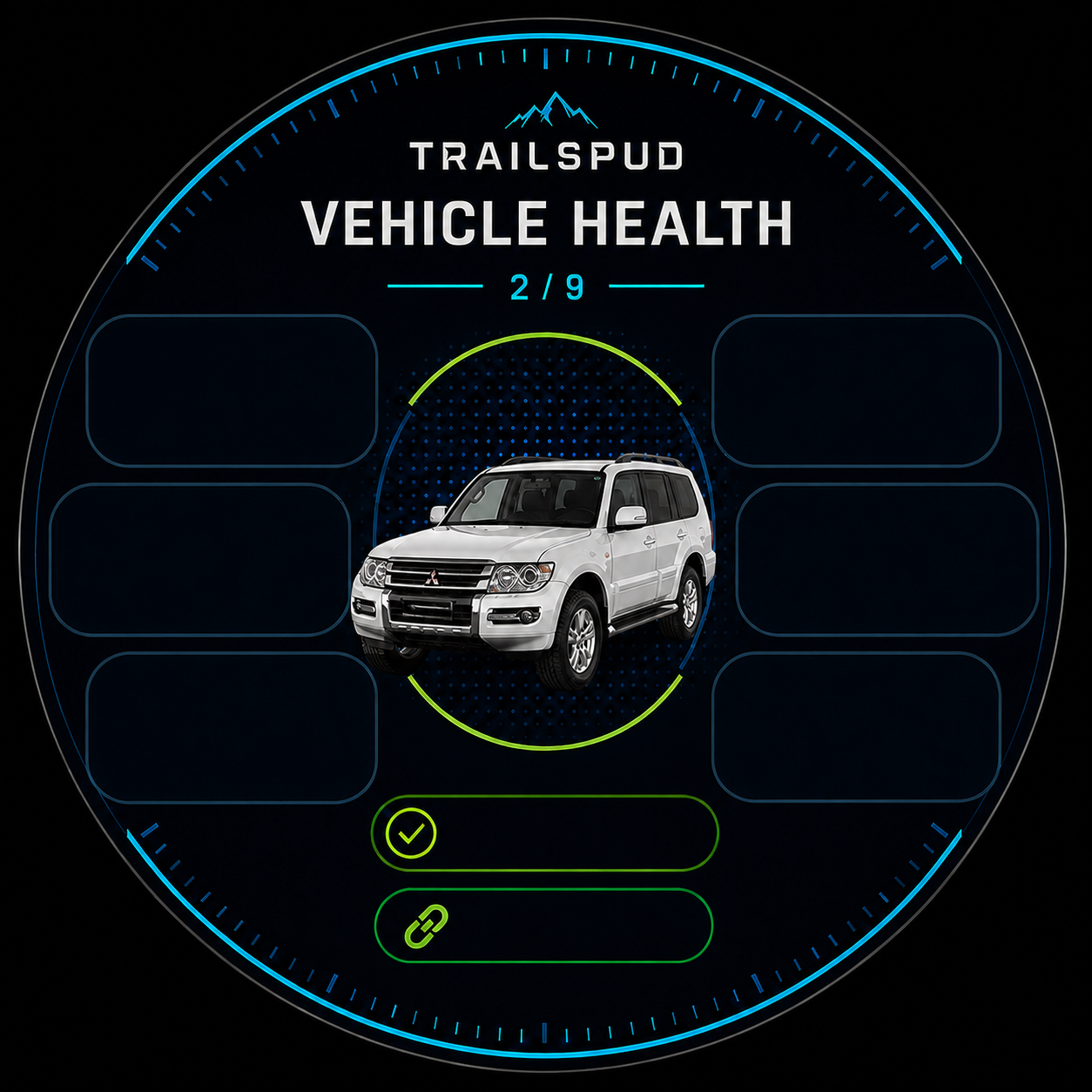
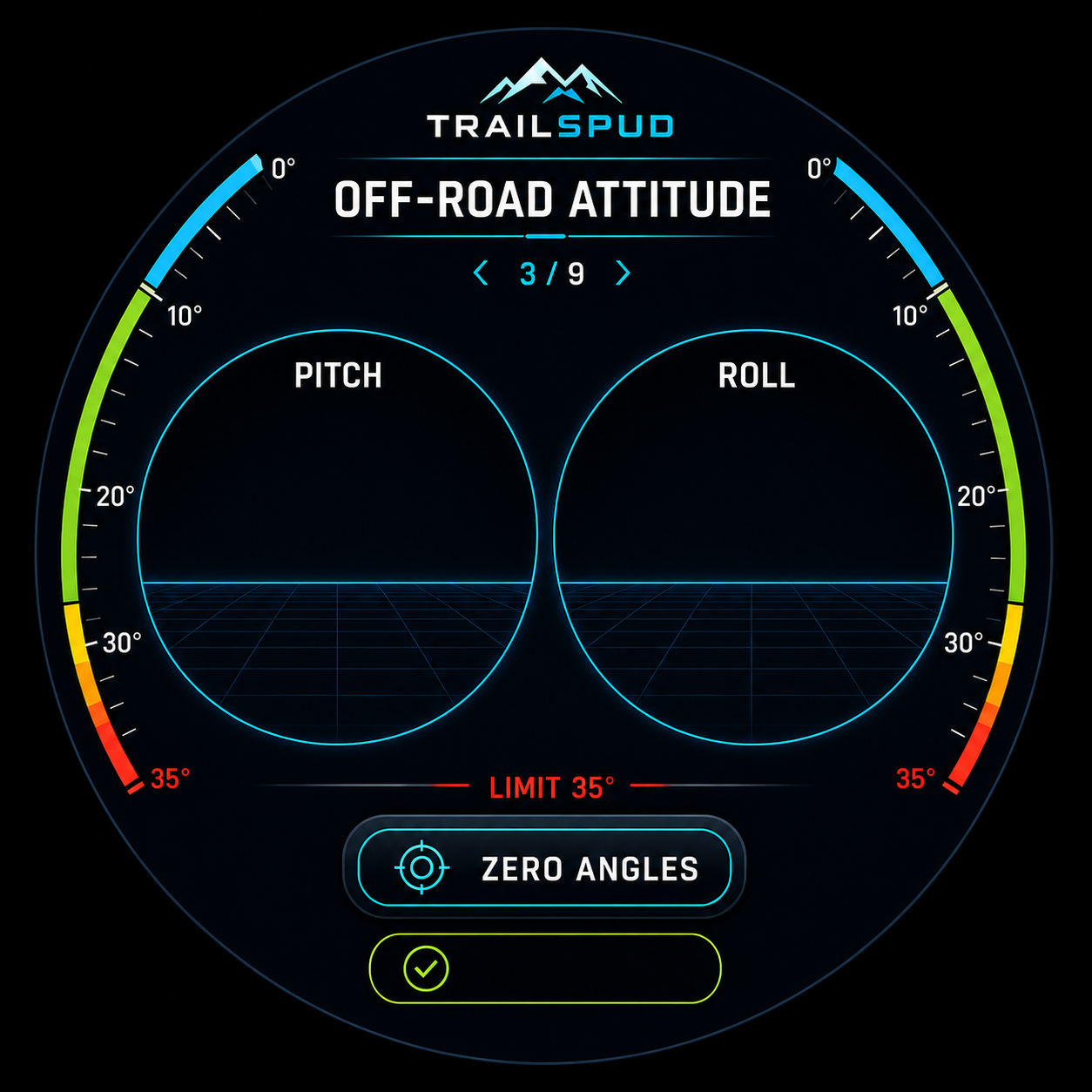
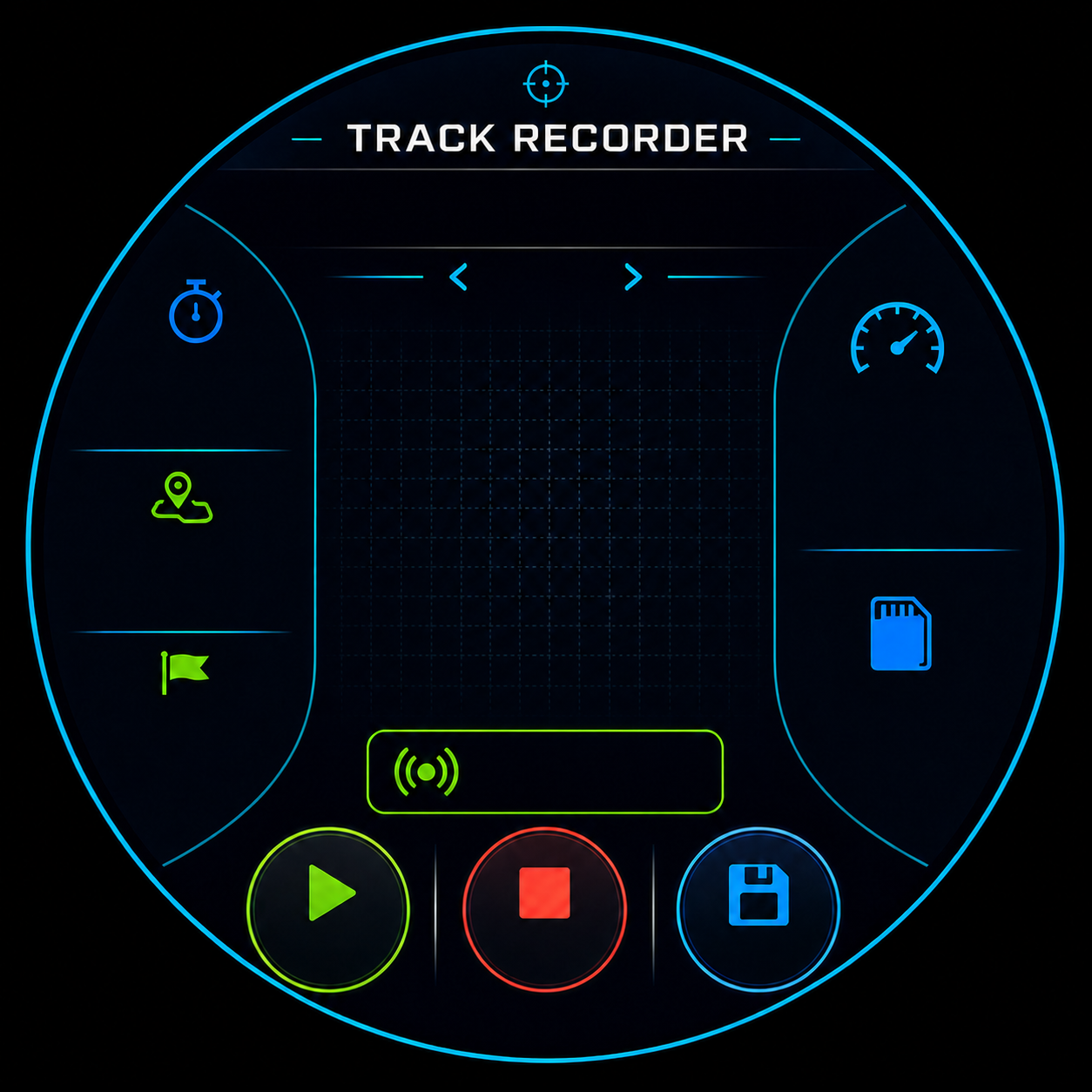
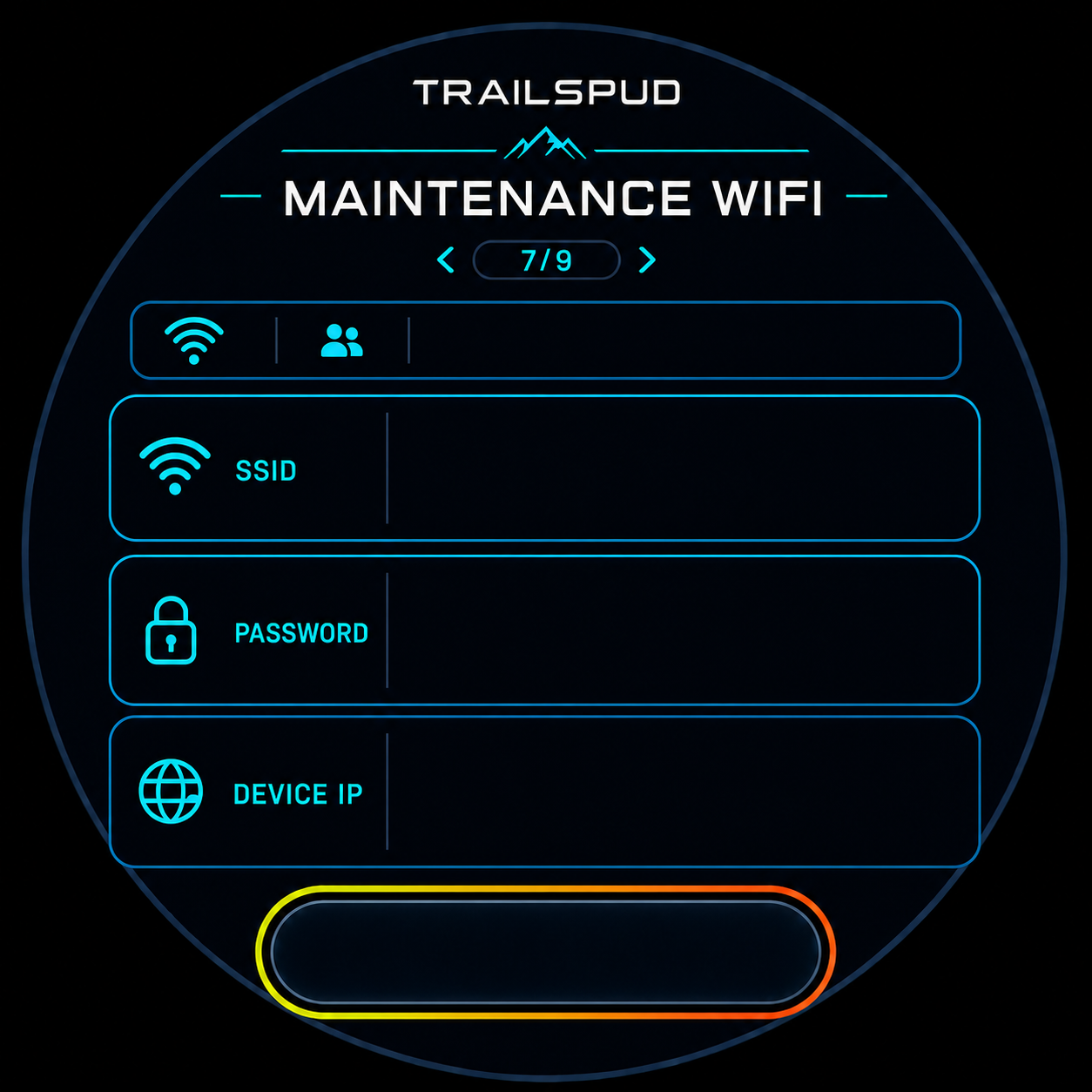
Swipe horizontally through real device screens
CAPABILITIES / 03
TrailSpud brings real-time driving, outdoor positioning, vehicle diagnostics, and device maintenance into one local system. Data stays on the device, and Wi-Fi is enabled only for maintenance.
Parse multi-constellation GNSS data and show coordinates, altitude, speed, heading, fix quality, and satellite status.
Connect to a vLinker BM+ over BLE to read speed, RPM, coolant temperature, voltage, load, and generic trouble codes.
Display pitch and roll in real time, zero mounting offsets, and use color-coded levels to flag tilt risk.
Record GPX tracks with SmartBeaconing, rebuild the route on the round display, and save vehicle data for analysis.
Monitor temperature, humidity, pressure, battery, and 11 hardware or service states without hiding faults in logs.
Enable Wi-Fi only when needed, then use a phone to inspect status, adjust settings, manage tracks, and perform OTA updates.
HARDWARE / 04
The current hardware targets the Waveshare ESP32-S3-Touch-LCD-2.1. Its enclosure combines a rounded-square main shell, a separate sensor pod, an internal shielding adapter, and a replaceable mount. Firmware is based on ESP-IDF 5.5.3 and LVGL, with functional modules running as independent tasks.
Open roads. Open code. Released free and open source—read it, validate it, modify it, and contribute.
QUICK START / 05
This quick guide targets the current hardware revision. Use a complete USB flash for first installation and upgrades from older partition layouts.
PREPARE
FLASH
Install and activate ESP-IDF 5.5.3, then perform a complete USB flash.
idf.py build
idf.py -p PORT flash monitorDRIVE
Enable the maintenance hotspot, connect your phone, and open 192.168.4.1. Devices already using the complete partition layout from 0.0.21 or later can upload application firmware over OTA. Updates are rejected while track recording is active.
Receiving NMEA data or UTC time indoors does not mean a position fix is available. Move the antenna to an open outdoor location, keep it still, and wait for the first fix.
Confirm that you are using a BLE-capable vLinker BM+, the ignition is on, and no other OBD app on your phone is holding the adapter connection.
When upgrading from the old 3 MB OTA layout, flashing only the application binary is not enough. First use USB to write the current bootloader, partition table, initial OTA data, and application. Web OTA can be used afterward.
FIRMWARE / 06
The current prebuilt stable firmware is v0.0.27, while the repository source is at v0.0.28. This download is intended for OTA updates on devices that have already received a complete flash with the new partition layout.
Important: When upgrading from the old 3 MB OTA layout, complete a full USB flash first. Do not upload this application binary directly.